Why photo-to-3D online matters
The ability to transform pictures into 3D models isn't just a cool trick. It's a workflow upgrade with endless possibilities:
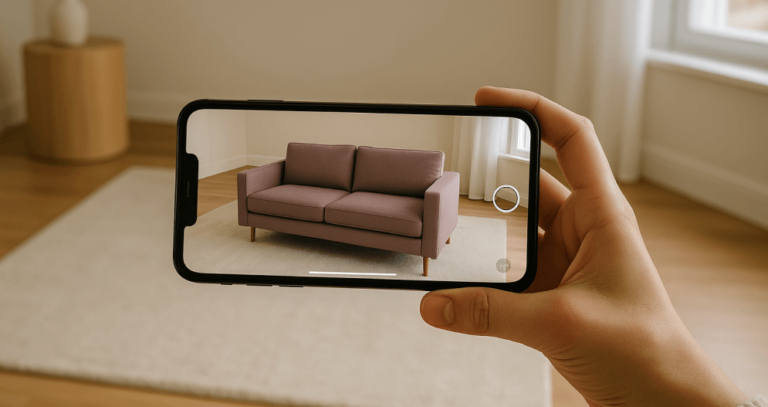
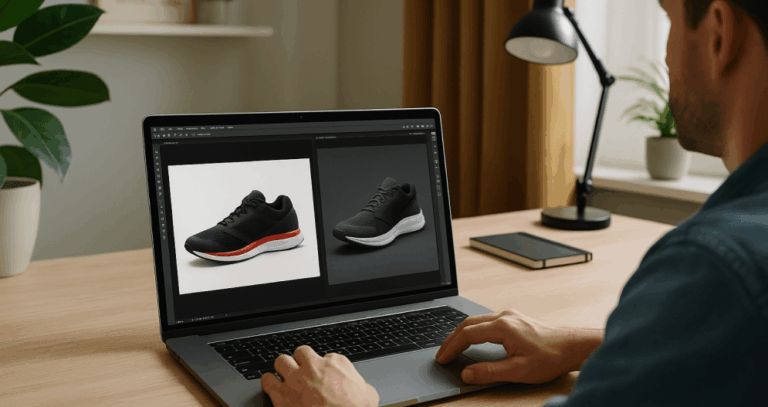
- E-commerce: Shoppers can rotate, zoom, and explore realistic product visuals with accurate textures and lighting, increasing trust and conversion rates.
- Education: Teachers can create 3D props from photos of fossils, historical objects, or lab equipment, making lessons more interactive.
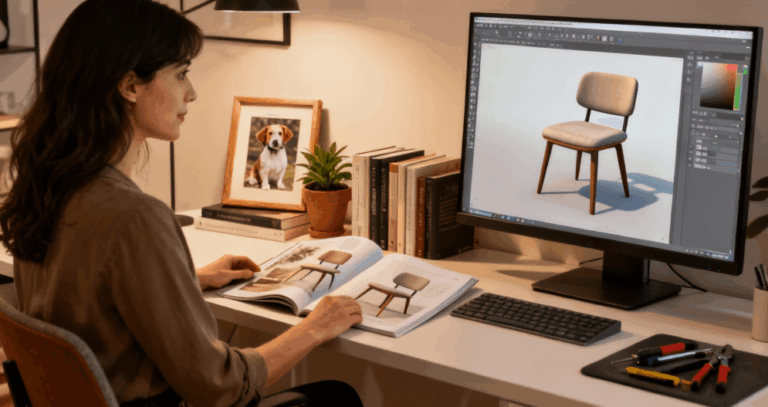
- Design & architecture: Professionals can upload images of real-world objects and instantly pull them into 3D presentations or floor plans.
- Game development: A game developer can capture real-life objects, analyze depth, and turn them into ready-to-use 3D models for Unreal Engine or Unity.
- Personal creativity: Artists and hobbyists can use concept art or portraits to generate stylized assets for animation, printing, or personal collections.
How it works: From image to 3D in three steps
1. Upload your photo or drag your image
Start with a high-quality photo in jpg or png format. Multiple images of the same object, front, sides, and back, help the AI analyze depth and shape more precisely. Simply drag and drop your pictures onto the page, or click upload.
Tips for best results:
- Use even lighting and avoid harsh shadows.
- Keep a transparent background or uncluttered scene.
- Make sure the file size is manageable for faster loading.
- Use reference images when accuracy and precision matter.
2. AI conversion into a 3D model
Once uploaded, the system processes your file. RealityMAX uses artificial intelligence to detect dimension, texture, and detail, then reconstructs the object as a 3D model. The process is fully automated. You don't need expert design skills or 3D software.
3. Preview, enhance, and export
When the model is ready, you can preview it in your RealityMAX scene. With one click, you can:
- Rotate, zoom, and explore the model from every angle.
- Adjust lighting, style, or add extra visuals for realism.
- Combine it with other assets, logos, or props from the library.
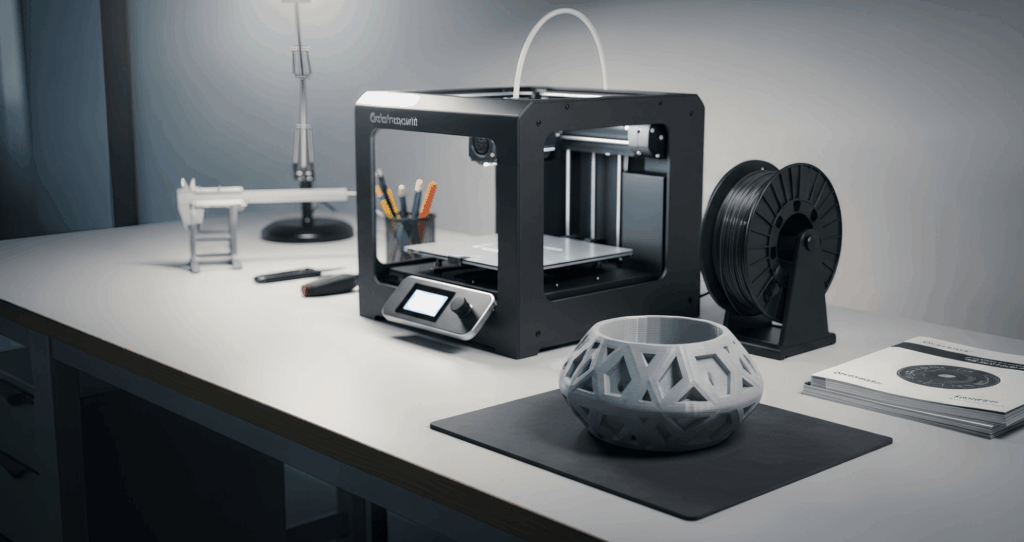
- Export or download the 3D file for external use in Unreal Engine, presentations, or printing.
Best practices to create accurate 3D models
- Choose the right subject: Objects with clear edges and defined shapes work better than reflective glass or water.
- Take multiple shots: Different angles help the AI interpret depth.
- Check lighting: Even illumination prevents errors in texture generation.
- Use scale markers: Adding a coin or ruler ensures precision in dimensions.
- Test and adjust: Re-uploading with small tweaks often produces more realistic 3D models.
Applications across industries
- E-commerce: Retailers can create 3D product catalogs with accurate visuals. Customers can preview objects before purchase, reducing returns.
- Game development: A game developer can quickly generate props like weapons, furniture, or landscapes without manual modeling.
- Architecture: Designers can integrate real-world objects into 3D scenes for clients.
- Animation studios: Teams can convert portraits or characters into digital assets for movies.
- Artists and creators: Whether working on concept art or logos, creators can explore new ideas with less technical friction.
Features that make the difference
RealityMAX is built to support both casual users and professionals:
- Free plan with up to 5 scenes, perfect for testing ideas.
- AI-powered features like ReIMAGINE AI for enhancing style and realism.
- Support for multiple image formats (jpg, png) with transparent background options.
- Easy control over preview, lighting, and export.
- Team collaboration with real-time feedback and annotations.
- One-click export for Unreal Engine, presentations, or 3D printing.
The future of image to 3D conversion
We're just scratching the surface. The combination of artificial intelligence, speed, and cloud-based access is redefining what's possible. Soon, users will be able to upload photos, get instant 3D models, and seamlessly integrate them into everything from e-commerce pages to game systems.
Conclusion
Turning a photo into 3D online is no longer the domain of specialists. With RealityMAX, anyone, from artists to game developers to entrepreneurs, can convert images into 3D models with accuracy, speed, and creative freedom.