
Product
3D annotations for interactive and informative 3D models
Enhance your 3D models by adding interactive hotspots that reveal key details when clicked. With RealityMAX, you can create annotations that provide users with deeper insights into your designs, just share your scene and let users explore.
Why use 3D annotations to enhance your final 3D models?

Highlight key details
Let users click on hotspots to view important notes tied to specific elements.

Improve understanding
Provide context, helping viewers understand key features within the 3D scene.

Seamless interaction
Annotations appear when users interact with hotspots, offering clarity without interrupting the experience.
Boost your design efficiency with 3D annotations
RealityMAX's 3D annotations allow you to add interactive notes to your final 3D scenes. Users can explore your models and discover details through hotspots that provide further context, enriching their understanding of the design.
01
Provide clarity with 3D annotations
Use annotations to clarify complex elements in your 3D models. These clickable hotspots ensure that end users can engage with and understand specific features.
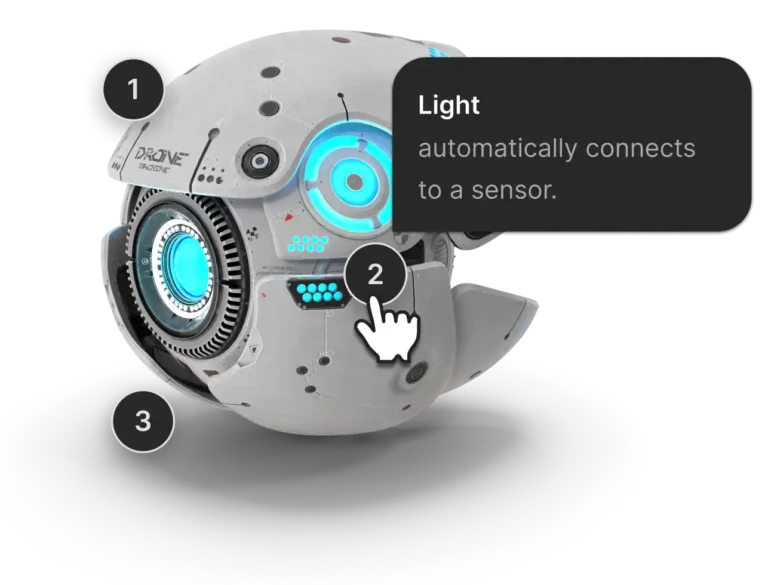
02
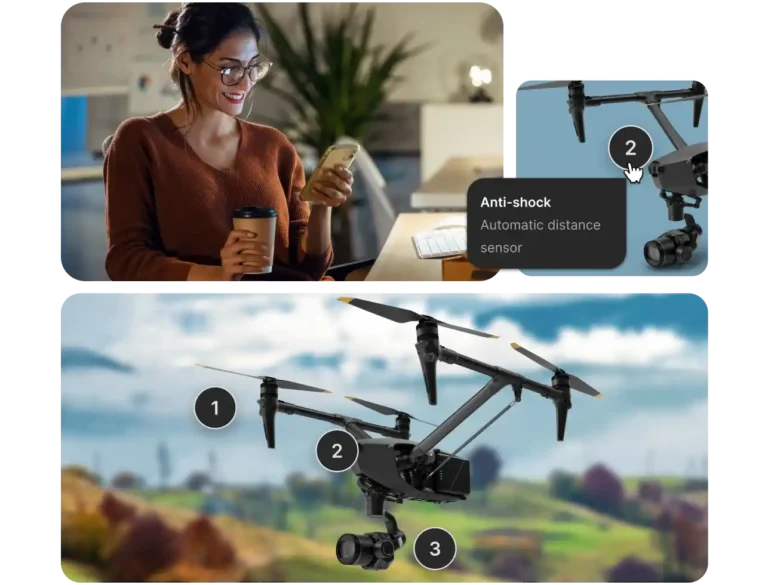
Increase engagement with interactive notes
Enhance your final 3D scenes by adding annotations that viewers can interact with. Annotations provide valuable context that helps users better understand the scene.
03
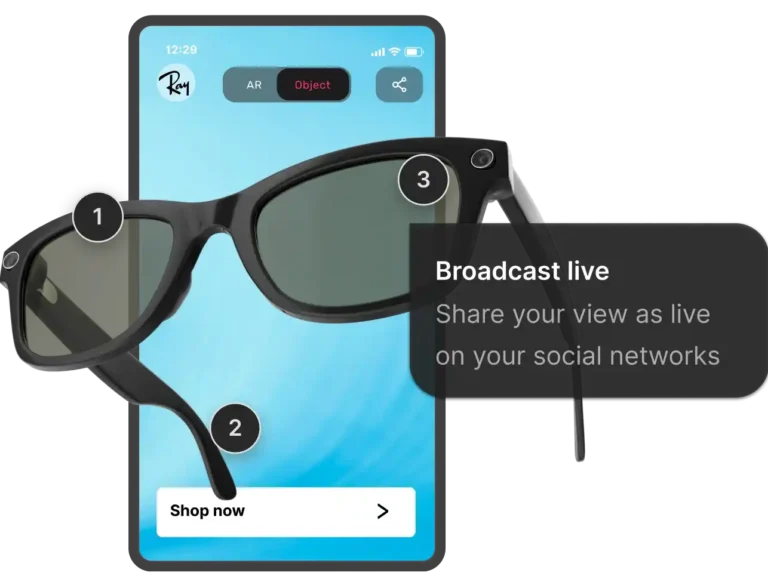
Make your models more informative
Ensure that your 3D models communicate effectively by embedding annotations that reveal important details when users explore the scene.
Key features of 3D annotations for final scene interaction

Collaborative workspaces
Native real-time teamwork environemnts fully equipped with tools to transform and arrange elements. All changes made by a contributor are instantly visible to all team members.

Extended format support
All popular 3D file formats are accepted, including .glb, .gltf, .fbx, .3dm, .obj, .stl, .3ds. You can also upload 2D assets (.jpg, .png, .webp) and .zip archives with textures.

User management and permissions
Share your projects efficiently and securely, granting different privileges to different users who can view, comment, or edit scenes depending on their role in the process.

One-link share and 3D embed
Generate Web3D and augmented reality published scenes of your projects and share them with a link or a QR. Or integrate interactive mock-ups directly in a web page (like your e-commerce site).
Used in
Solutions that use this feature
Collaborative 3D for engineering
3D collaboration for engineering companies. At scale. Switch to remote teamworkAllow engineering teams to cooperate efficiently, wherever they are.
Easy augmented reality for carpets and rugs
Let your customers and design professionals visualize how your carpets look in real spaces. With RealityMAX, add augmented reality to your catalog, create stunning 3D views, and personalize product scenes with AI.
Start creating on one AI canvas
Generate image, video, 3D and AR, and publish anywhere. Power up reality to the MAX.